 Broken Crimp
Guides
How to use Broken Crimp, one task at a time.
-
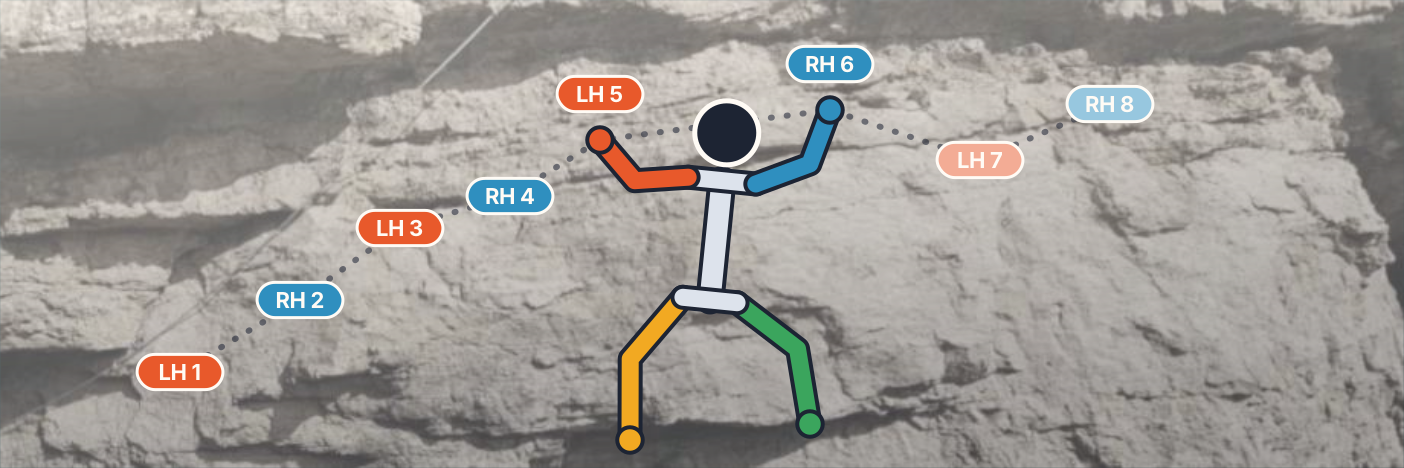
Map your first climb from a photo
Take a photo of the wall and set your moves straight on it.
-
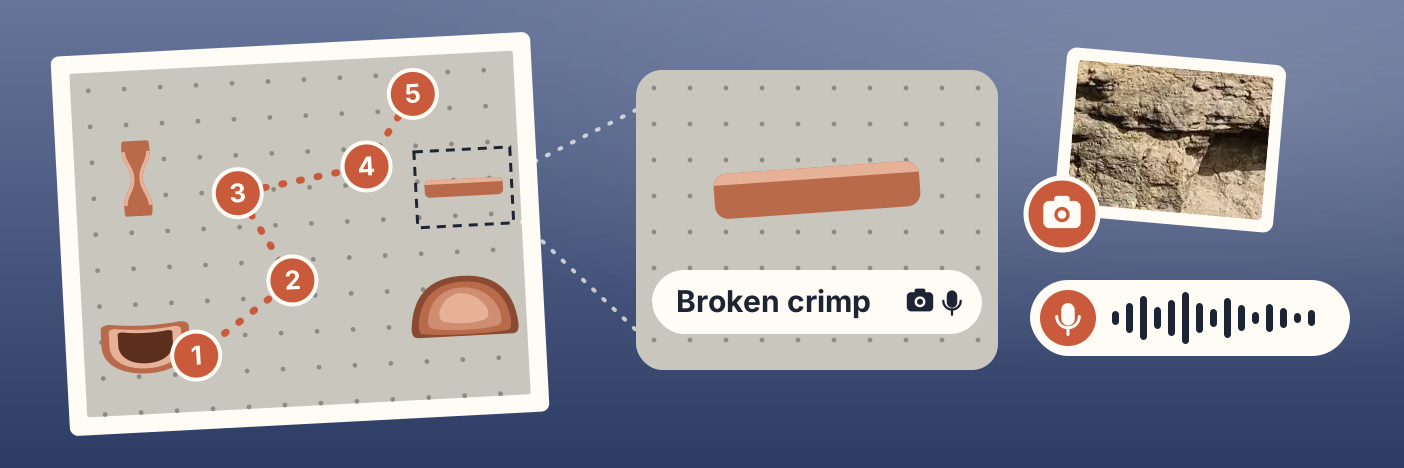
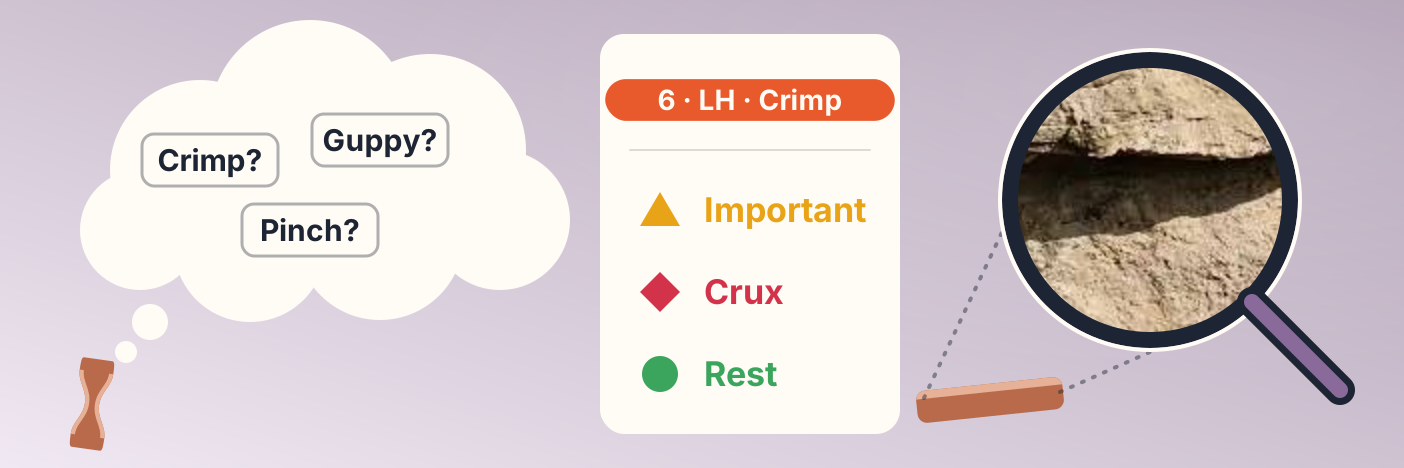
Add holds to your climb
Name what you are holding, attach a close-up or a voice note to it, and keep the moves you already set.
-
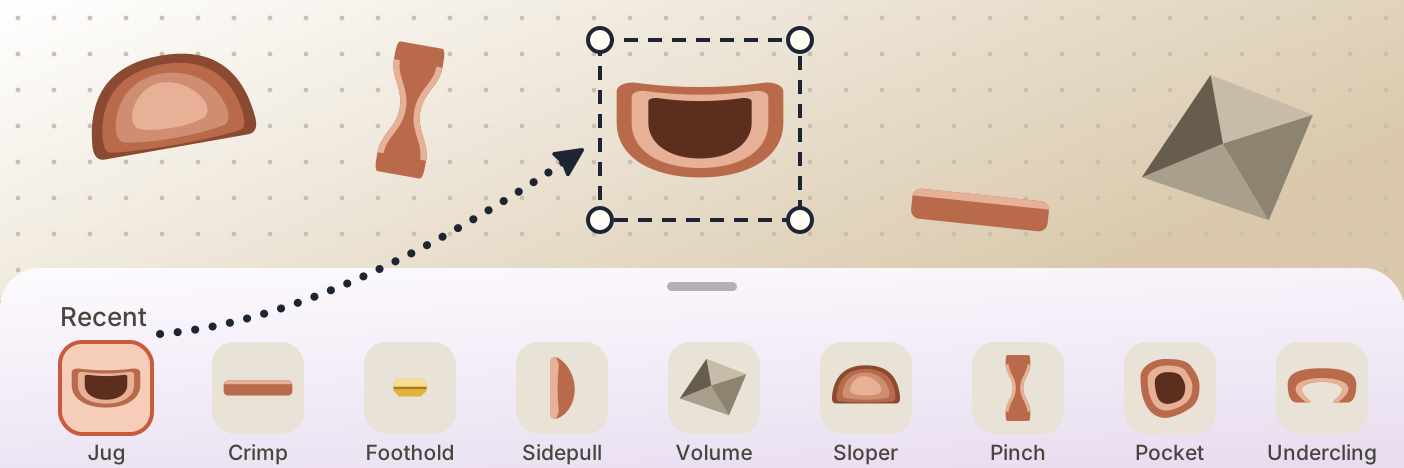
No photo? Map a climb on a blank wall
Build the wall from holds instead of a photo, then set your moves on them.
-
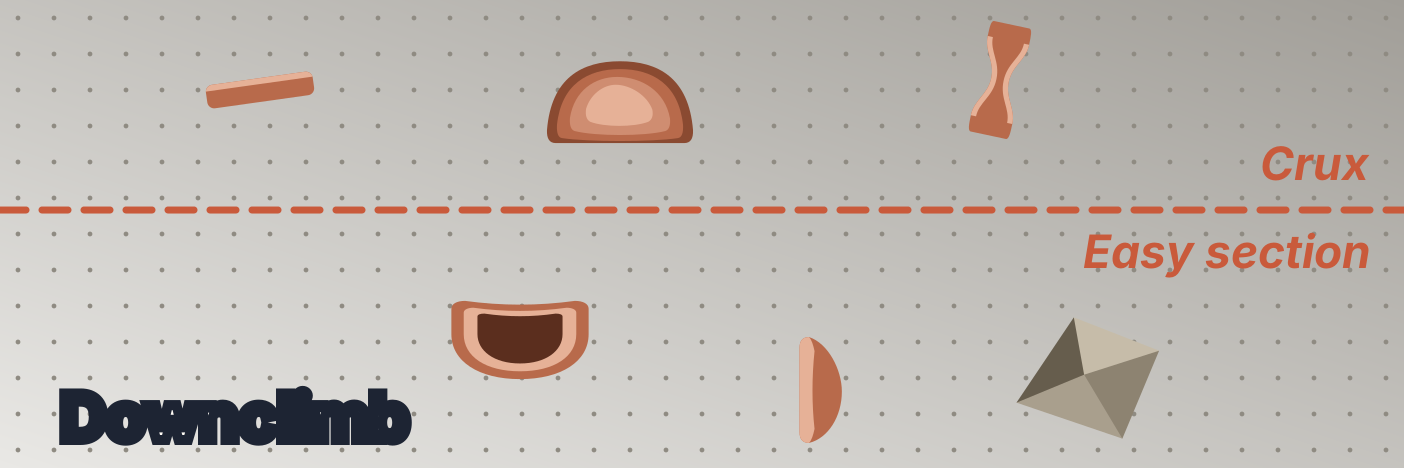
Mark sections and write on the wall
Split a long climb into parts, and write words on the rock like where to start.
-
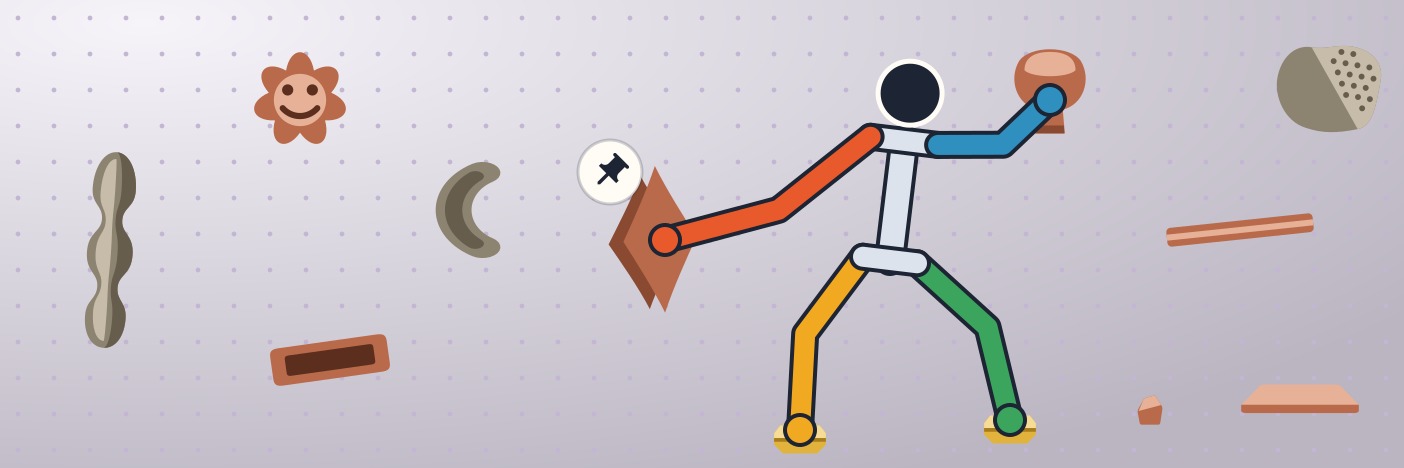
Pin a hand or foot
Keep a limb on its hold when the climber moves away from it.
-
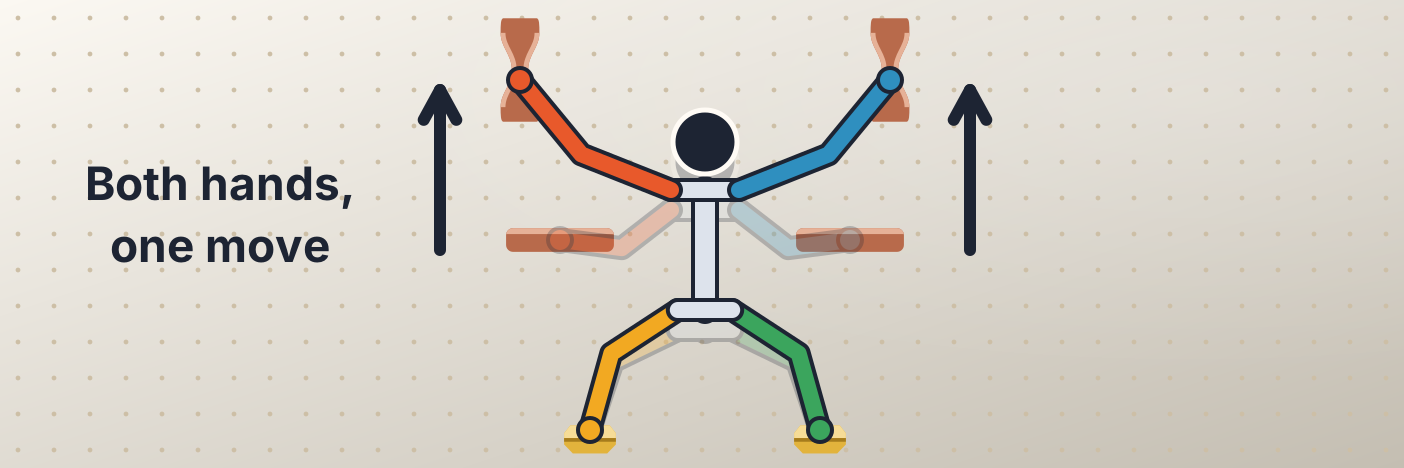
Move several limbs at once
Set a double dyno or a hand and foot going together as one move.
-
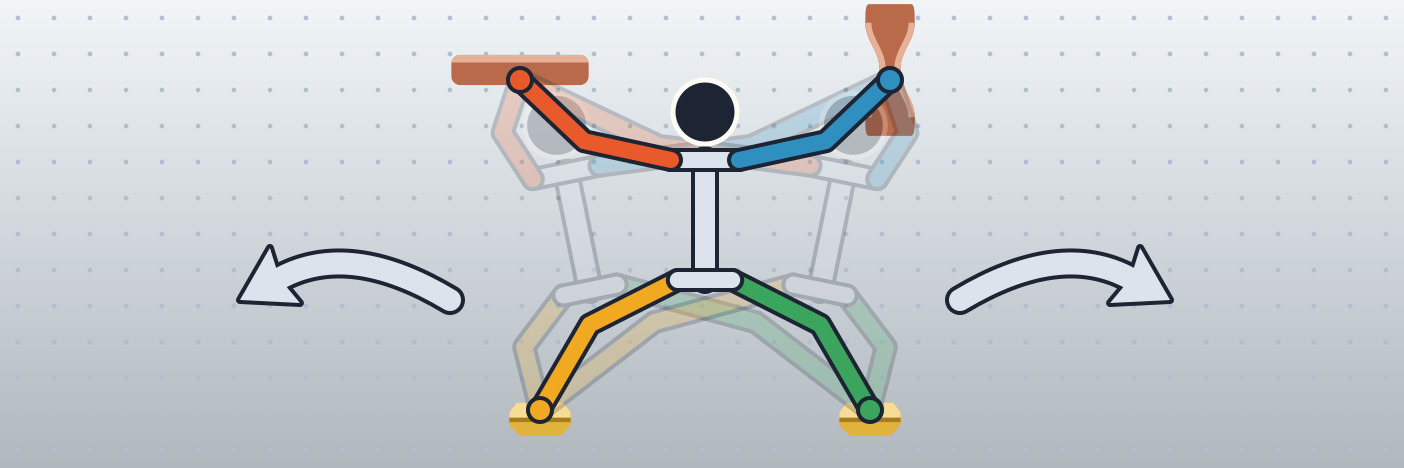
Adjust the body, add body moves and let go
Move or turn the climber on a move, set its pose by hand, mark a layback or a dyno, and take a hand or foot off the wall on purpose.
-
Learn a sequence for a redpoint
Set your beta, go over it in your head, and keep the details beside it.
-
Rearrange a beta in the advanced editor
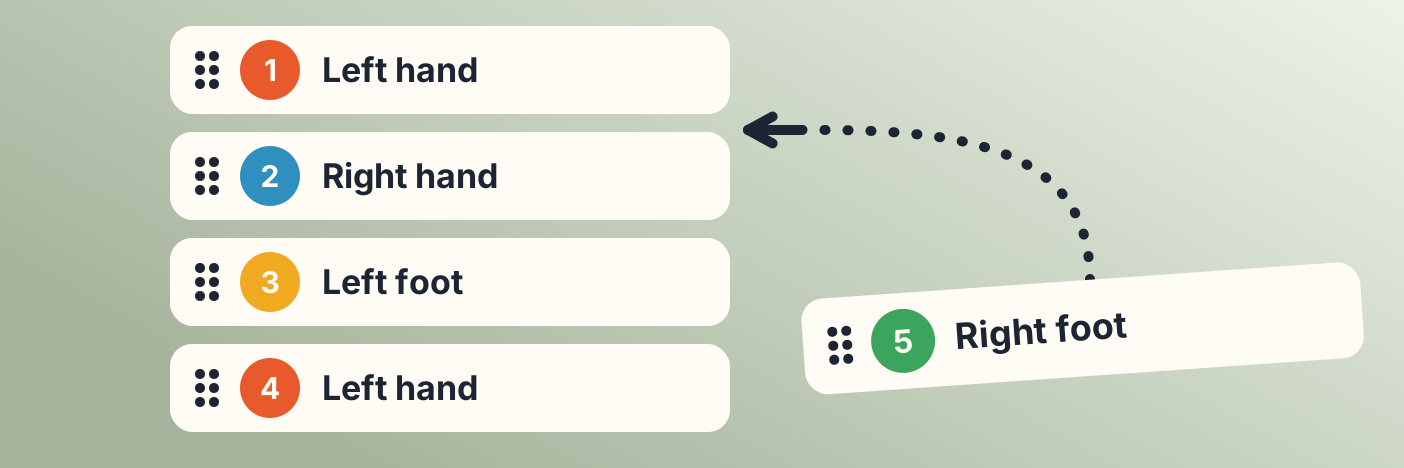
See every move as a list, and reorder, change or remove them.
-
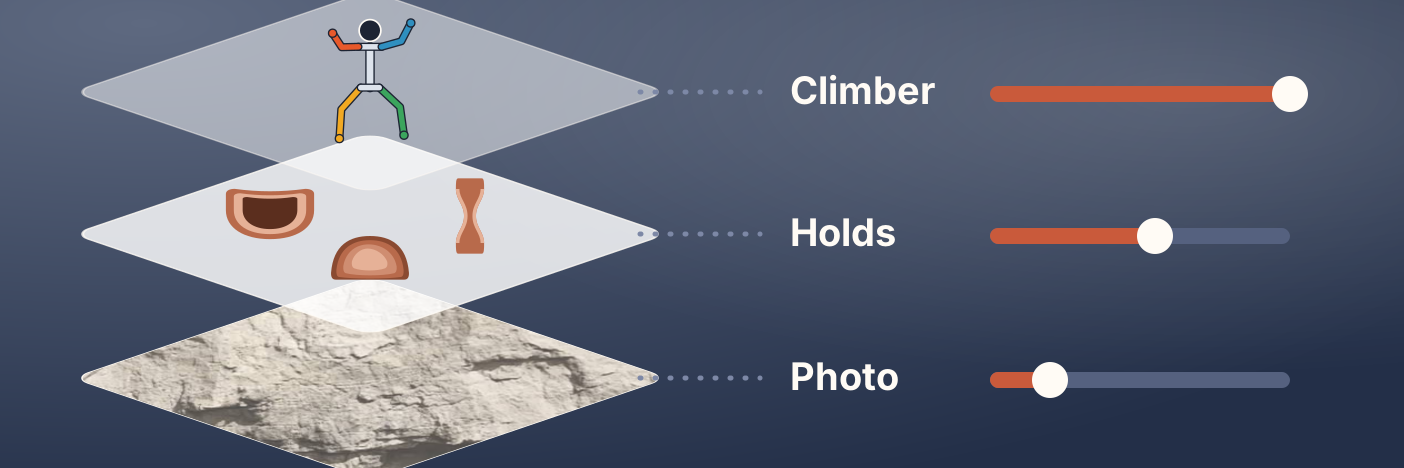
Change what you see with Layers
Fade the photo, hide the labels, go full screen and fix the wall photo.
-
Compare two betas
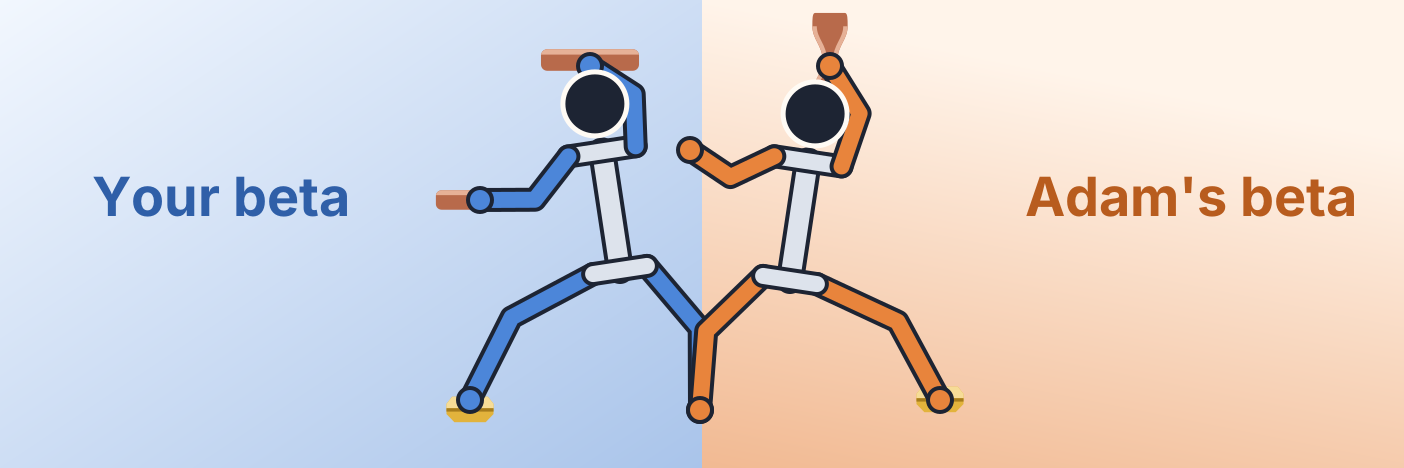
Watch two betas on the same wall, kept in step.
-
Share a climb with someone
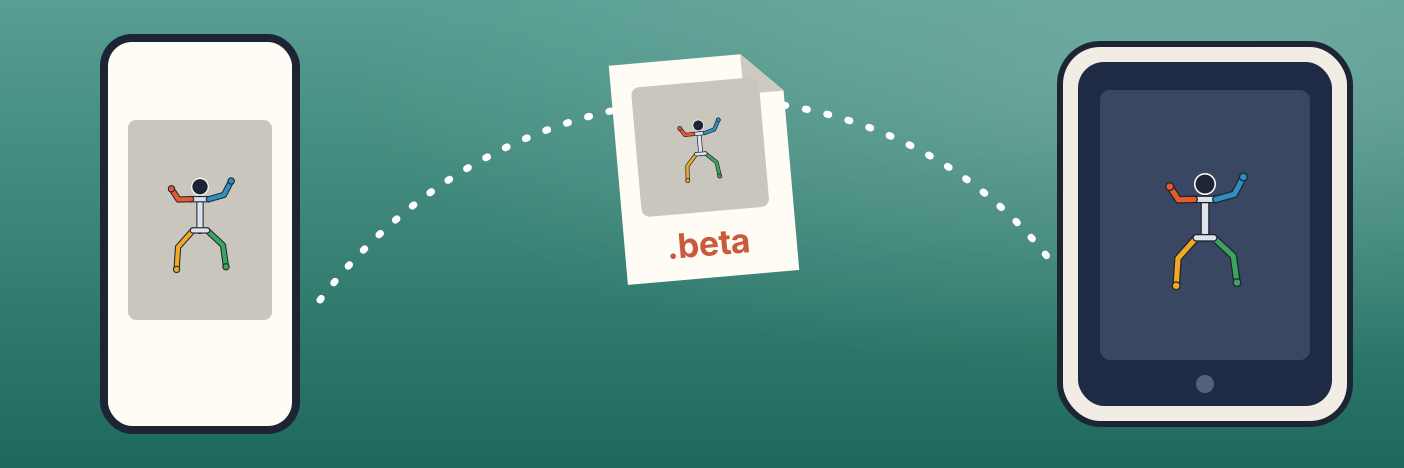
Send a whole climb as a file that opens in their own app.
-
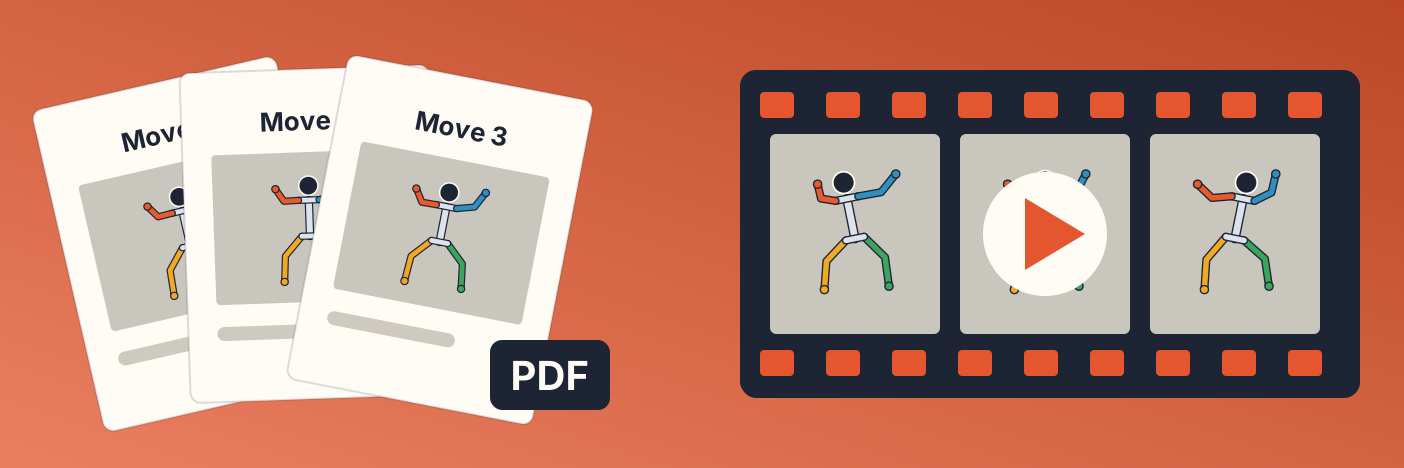
Make a PDF or a video of your beta
Print a page per move, or save the figure climbing the sequence.
-
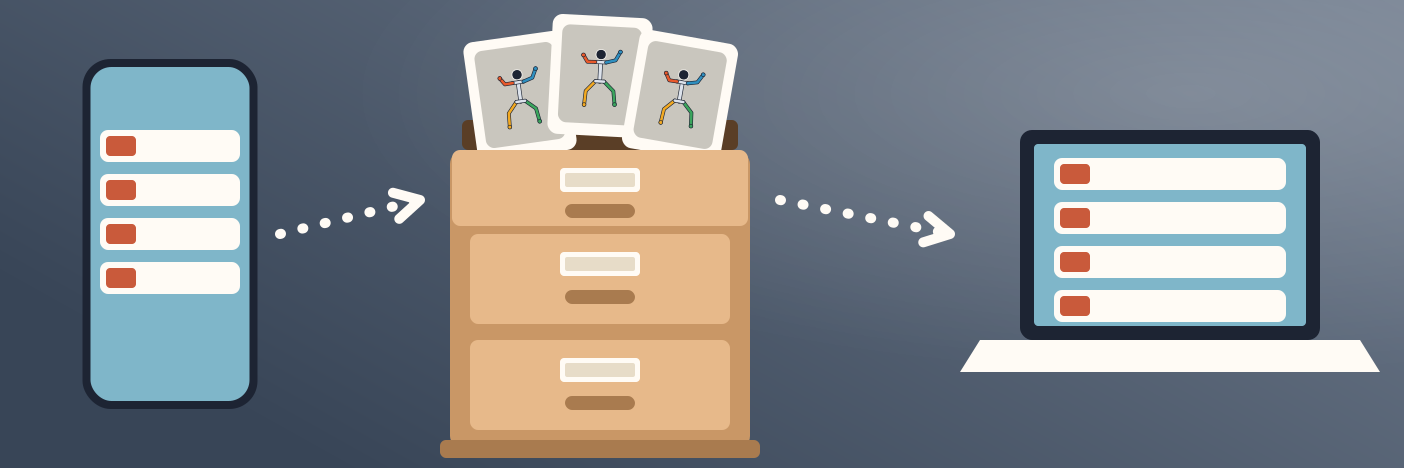
Back up and move your climbs
Keep everything in one file, and move it between devices.
-
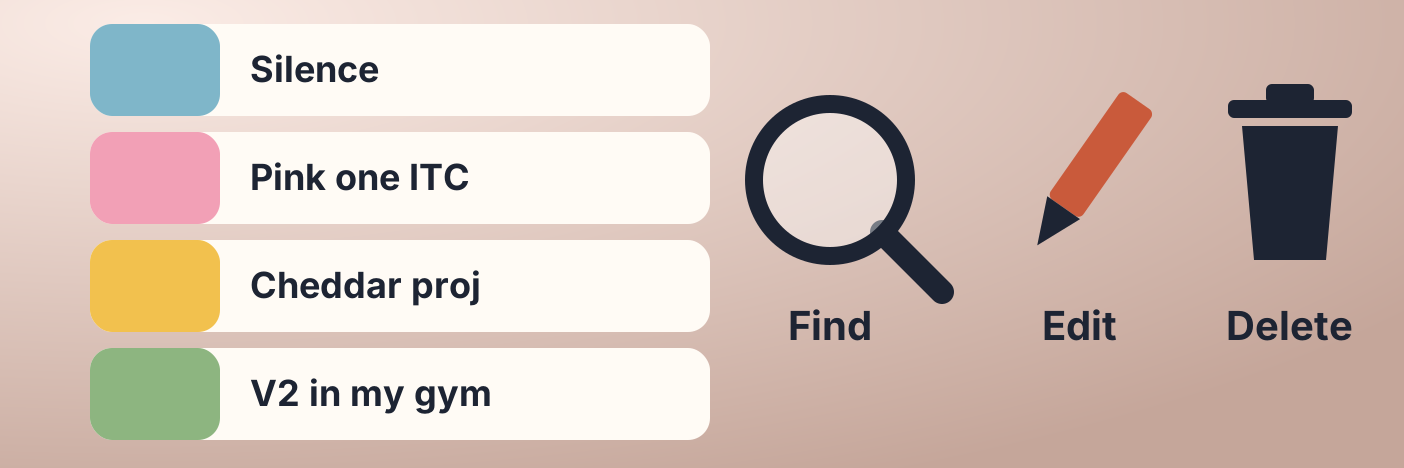
Organise your climbs
Find a climb, change its details and its picture, and delete the ones you are done with.
-
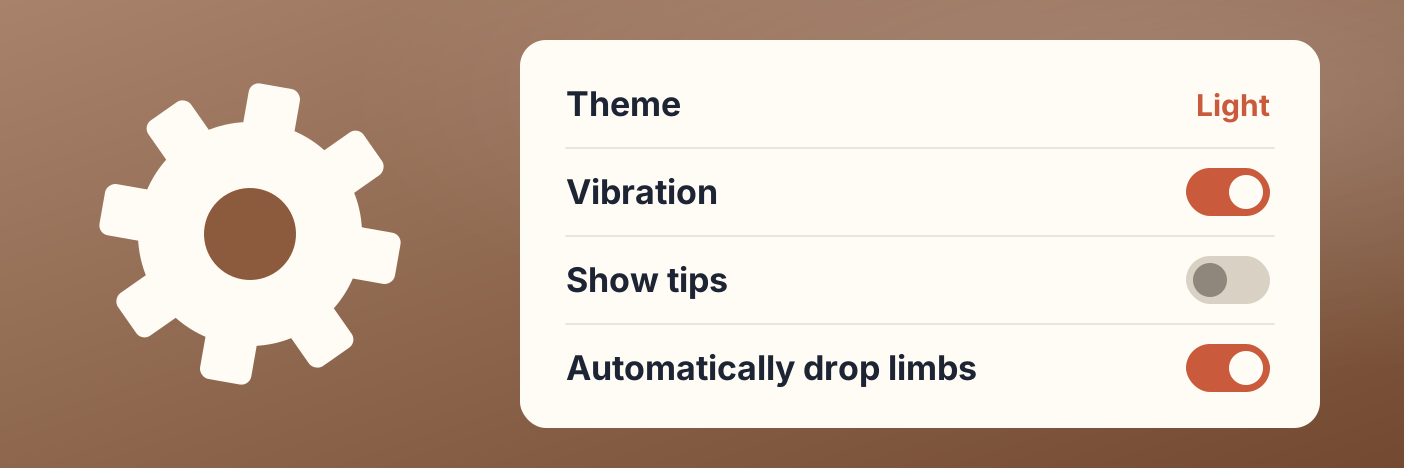
Change the settings
Theme and language, vibration, the first-time guides and tips, how a beta builds itself, and your backups.
-
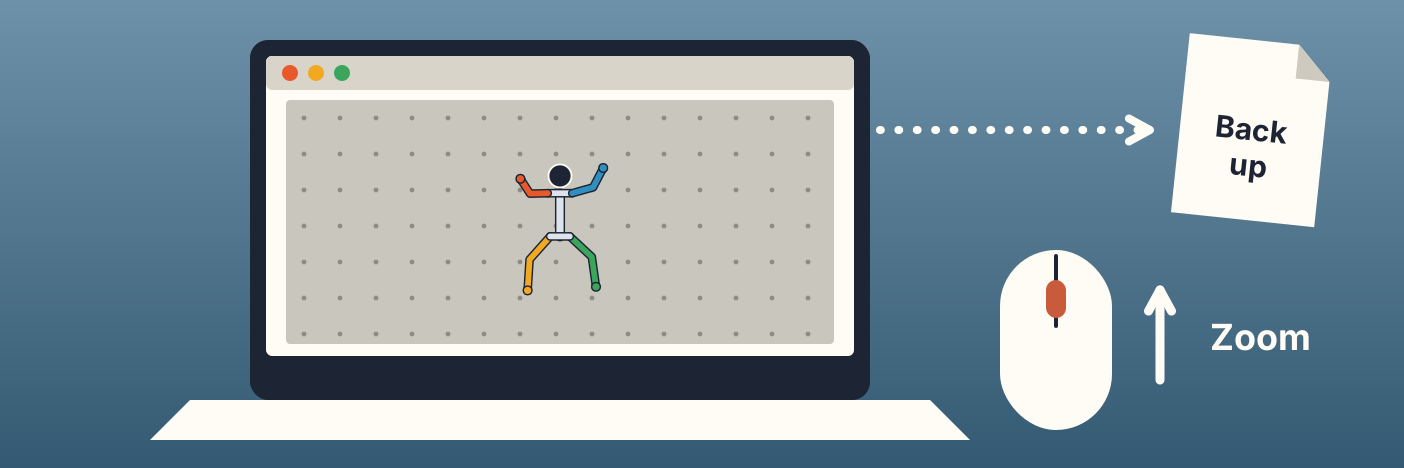
Use Broken Crimp on a computer
The web version runs in your browser, with no install and no account. Your climbs stay in that browser, so keep a backup.
-
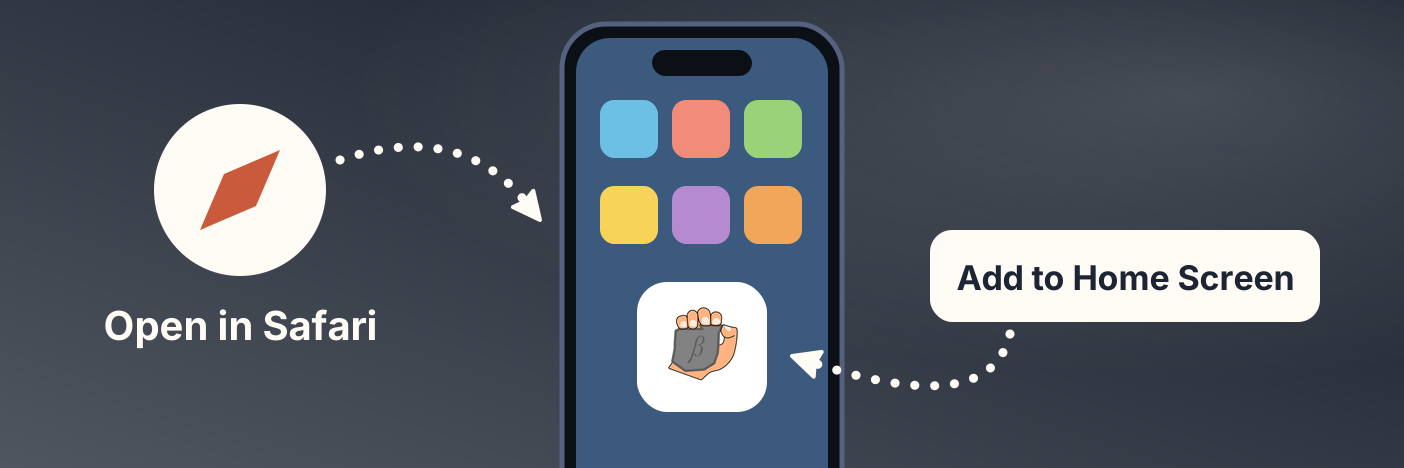
Use Broken Crimp on an iPhone
The web version runs in Safari, with no install and no account.