 Broken Crimp
Share a climb with someone
Send a climb, with all its betas, as a file someone opens in their own copy of the app. They can change it, add their own beta and send it back. To send something to a person without the app, make a PDF or a video instead.
1. Open the share sheet
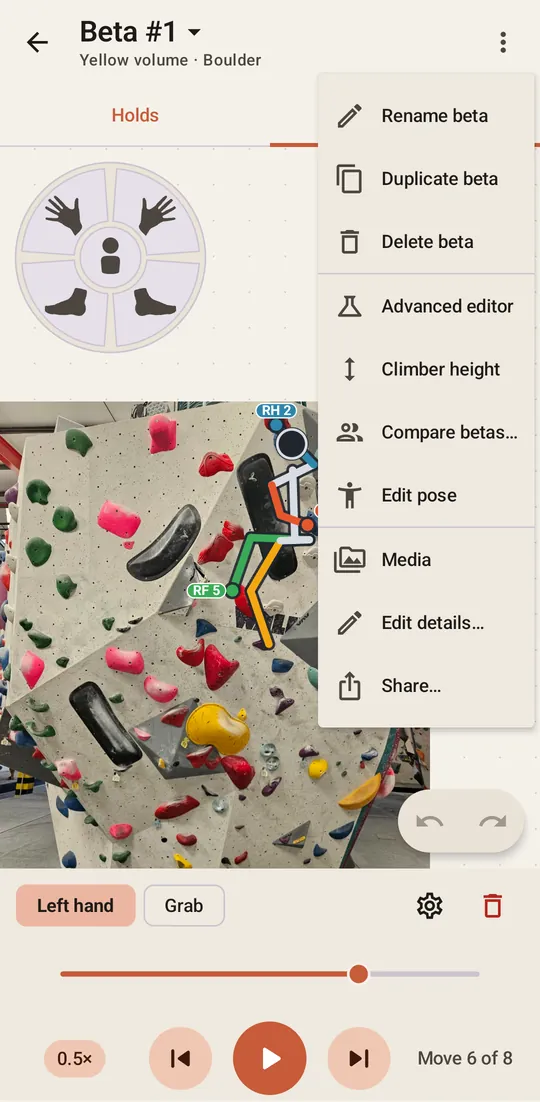
Open the climb and choose Share… in the menu.
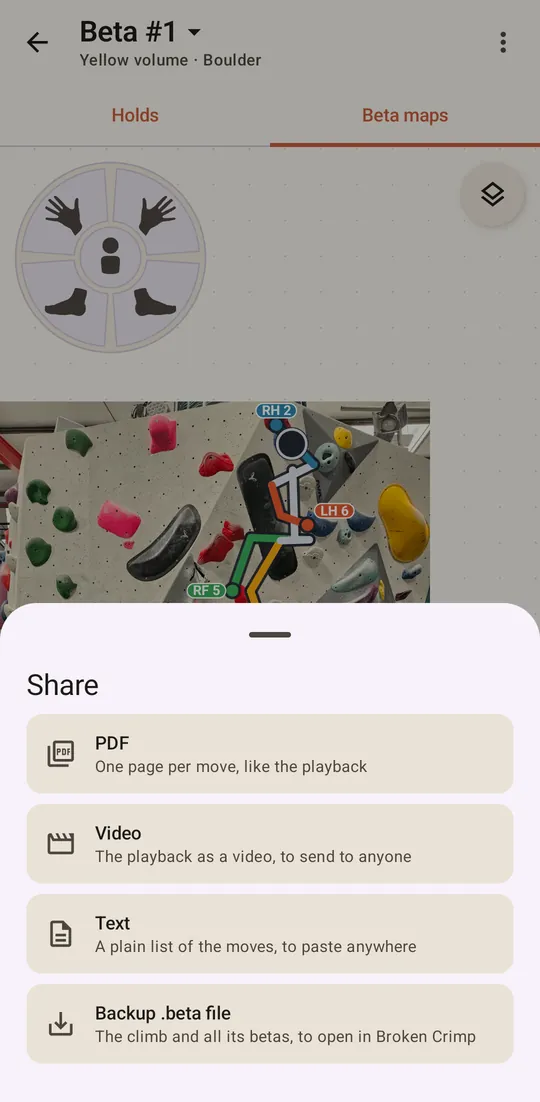
The sheet offers four ways to share:
- PDF: a document with the whole climb, then one page per move, to print or keep on your phone at the crag.
- Video: the climber playing your moves, to send to anyone, even someone without the app.
- Text: a plain list of the moves, to paste into a message or a note.
- Backup .beta file: the climb itself, with all its betas, for someone to open and change in Broken Crimp.
Make a PDF or a video covers the first three. The rest of this guide is about the .beta file.
2. Choose what goes in the file
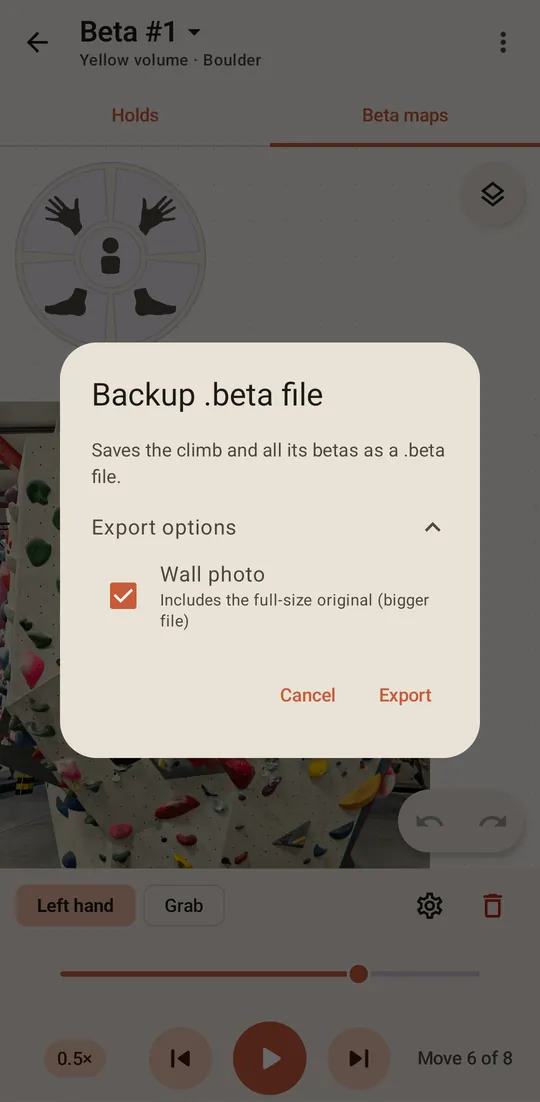
Choose Backup .beta file, and open Export options.
Wall photo is ticked, because a climb is hard to read without its rock. It includes the full-size original, which makes the bigger part of the file: a single climb can be quite a few MB with its photo, and the same one just a few KB without it.
If the climb has them, Hold photos and Voice notes appear here too, unticked. Your voice notes stay with you unless you choose to send them.
3. Send it
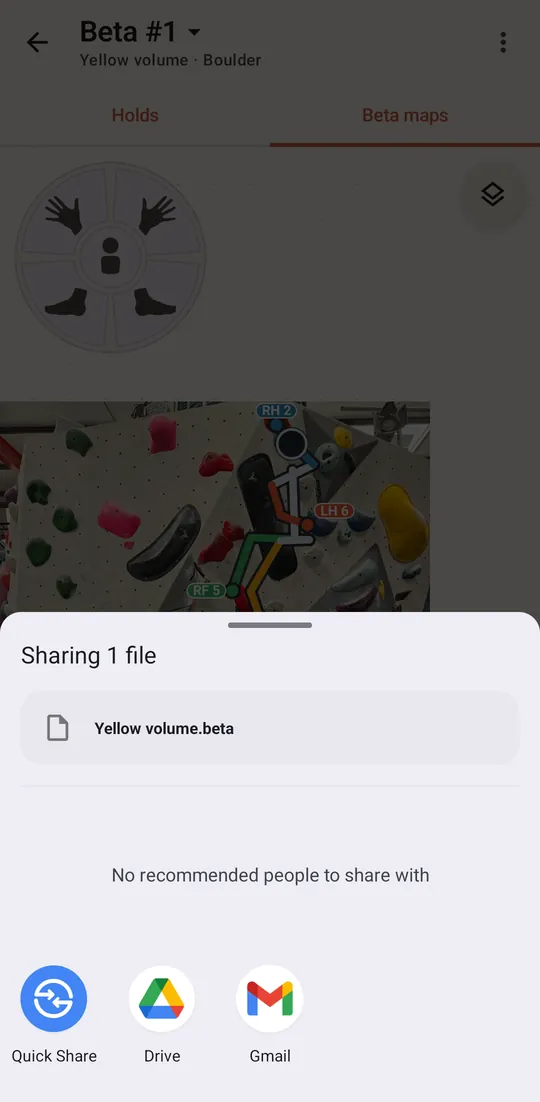
Press Export, and your phone’s own share menu opens. Send the file any way you like. Nothing goes through a Broken Crimp server, because there isn’t one.
4. The other person opens it
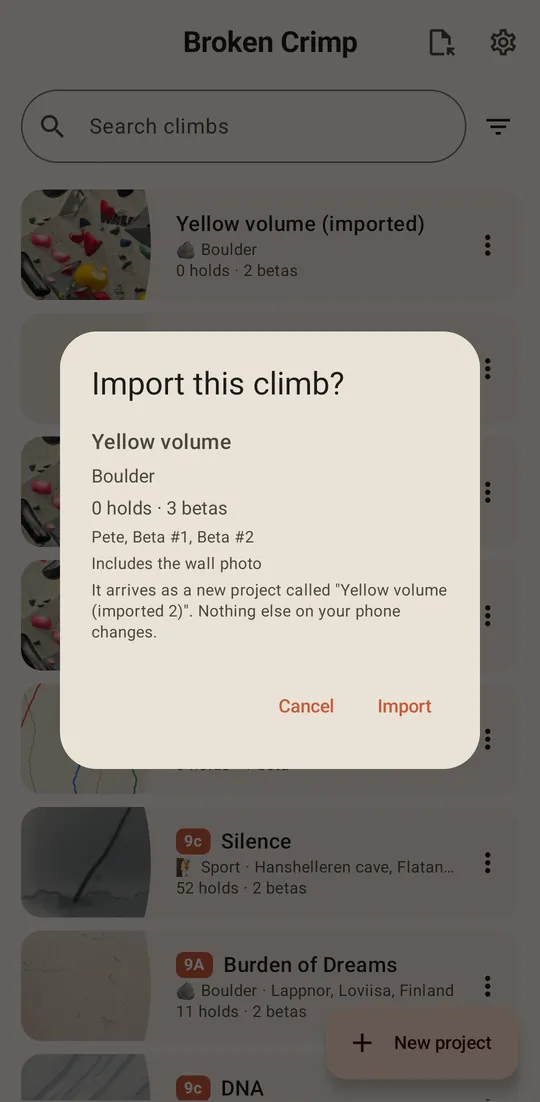
The other person presses Import .beta file, the icon at the top of the climb list, and picks the file. The app says what is in it before anything happens. Import adds it as a new climb and opens it.