 Broken Crimp
Make a PDF or a video of your beta
Take a beta out of the app, to print or to send to someone who does not have it. Each of these covers the beta you have open, so switch to the right one first.
Open the climb and choose Share… in the menu.
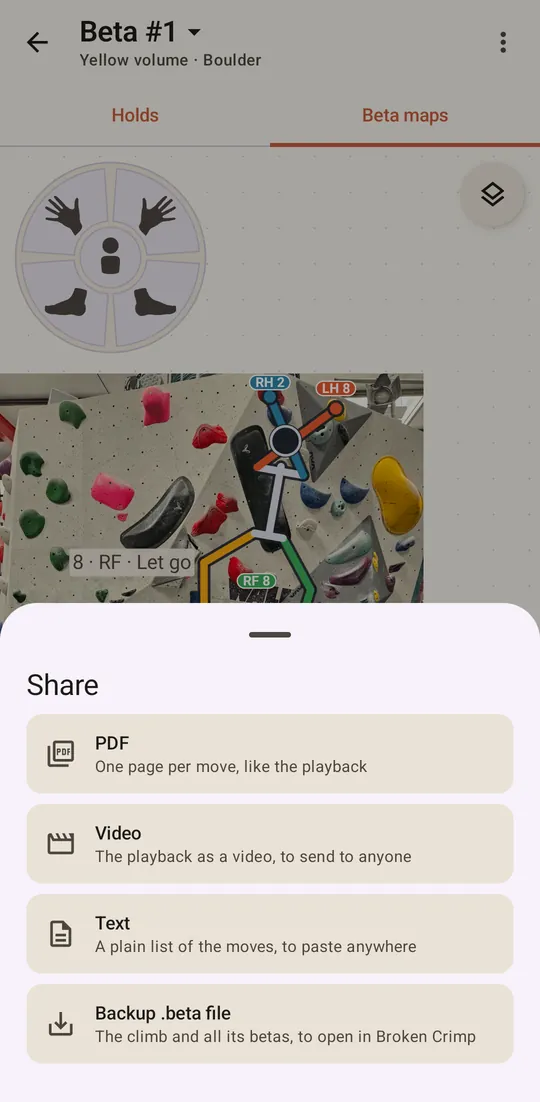
A PDF
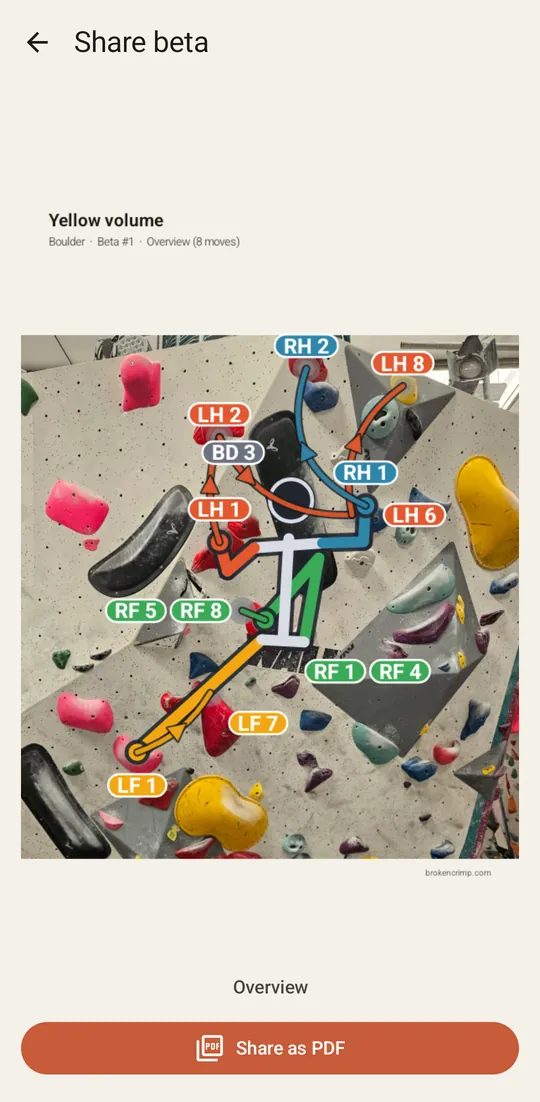
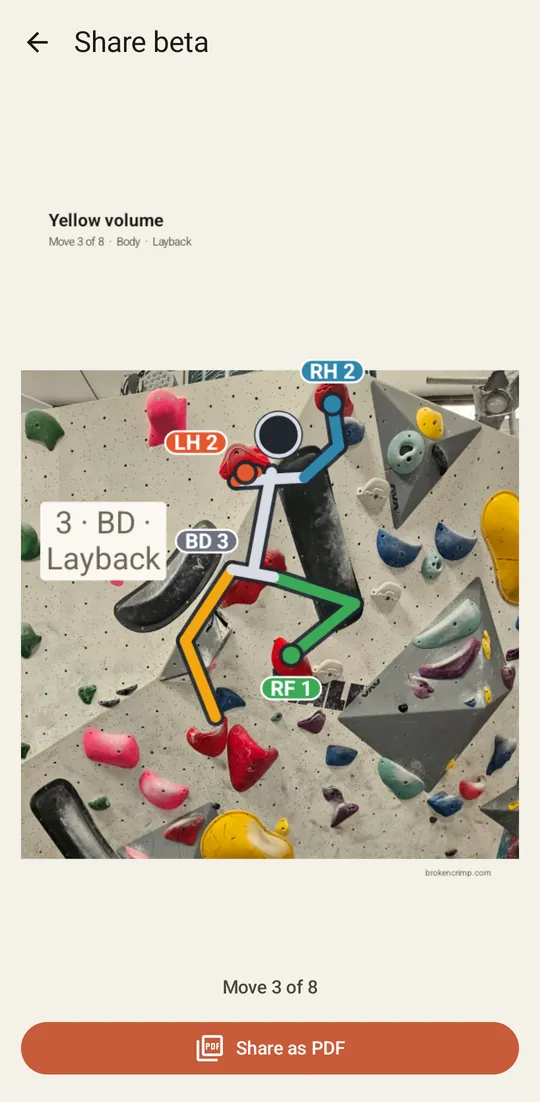
Choose PDF for a deck with an overview of the climb and then one page per move. Swipe across to read through it before you make it. Press Share as PDF to hand it to another app, or to your printer.
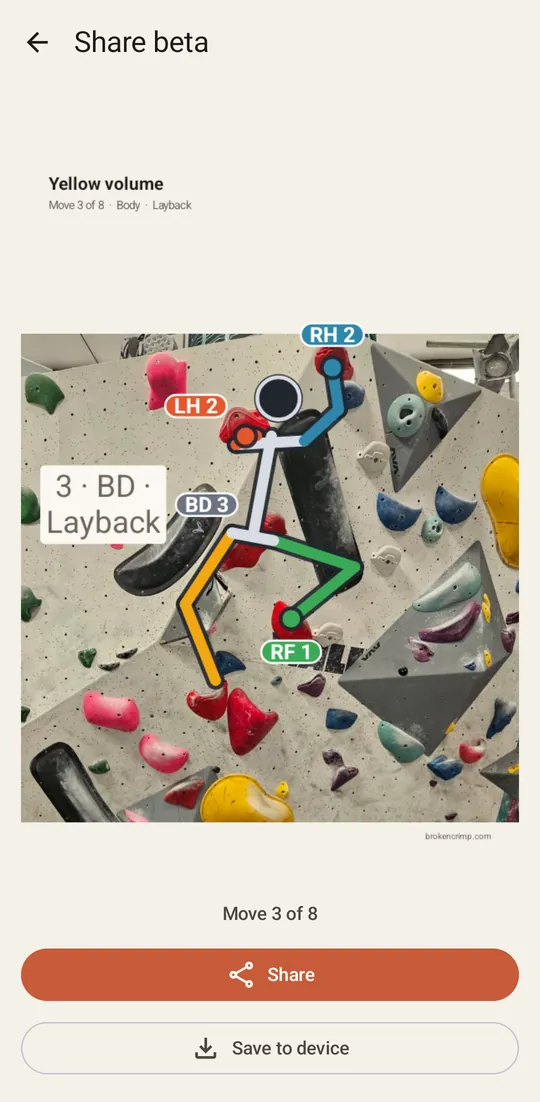
Afterwards the page offers Share again and, on Android, Save to device to keep a copy.
A video
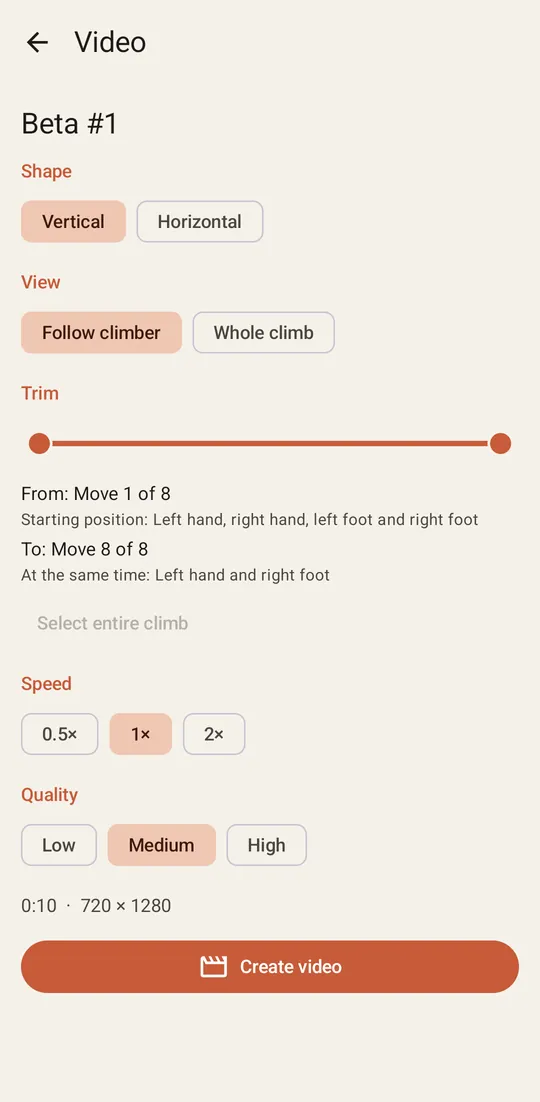
Choose Video, and set up the clip:
- Shape: Vertical for a phone or a story, or Horizontal.
- View: Follow climber moves with the climber, and Whole climb keeps the whole route in the frame.
- Trim: drag the two handles to keep only part of the beta, like the crux.
- Speed and Quality: the line underneath shows the resulting length and size.
Press Create video. It takes a moment, and at the end the page offers the same two buttons as the PDF. In a browser, keep the page in front while it works.
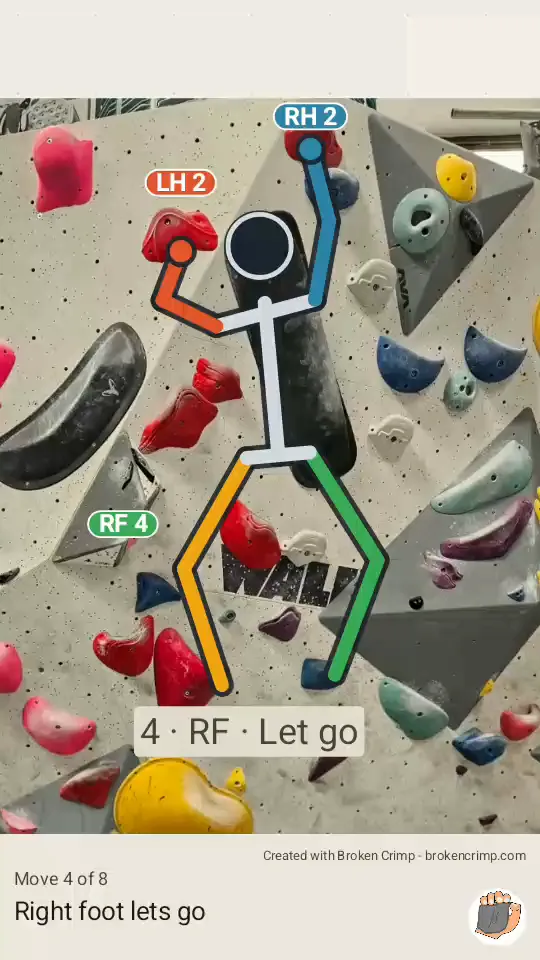
Each frame names the move underneath the climber, so the clip makes sense with no explanation.
Plain text
Choose Text for a list of the moves to paste into a message or a note, with Copy and Share buttons. Moves on a hold name that hold. Moves on the bare photo use arrows to show which way the hand or foot goes.