 Broken Crimp
Move several limbs at once
Some moves aren’t one limb at a time. Both hands leave for a double dyno, or a hand and a foot go together. Put them on one move and they travel at the same time when you press play .
 .
1. Choose the limbs
On the Beta maps tab, long-press a limb on the dial. It lights up, and a banner at the bottom of the wall lists it. Tap each limb that goes with it, and the banner adds them. To back out, press Cancel on the banner.
2. Place them
The banner says which limb is next. Tap the wall for each one. They end up on a single move with one number, and the bar under the wall shows them side by side. Play the beta, or step onto that move, and they travel together.
3. Separate them
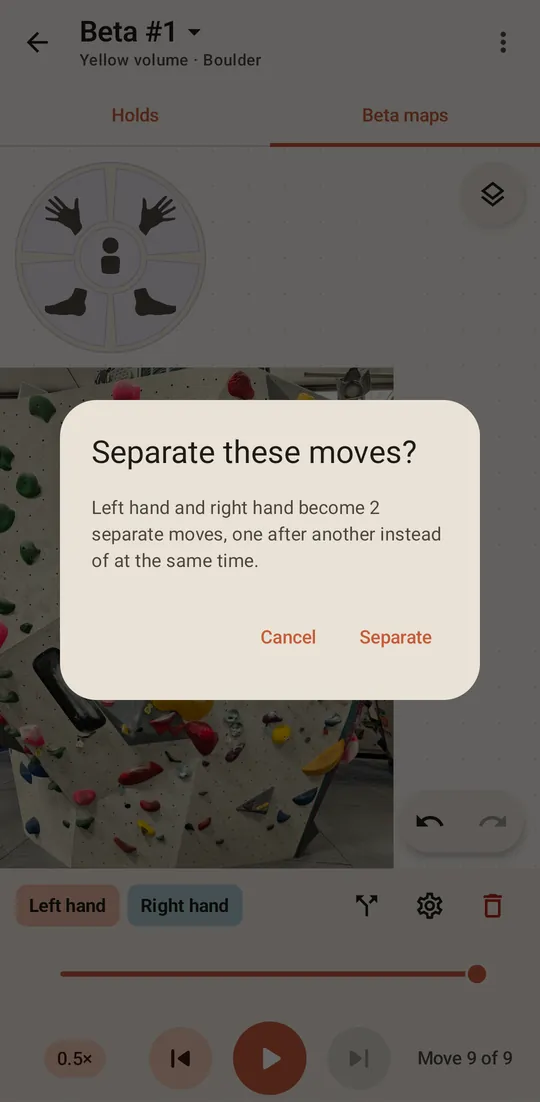
A move with several limbs has an extra button on the bar, an arrow that splits in two . Press it and choose Separate. Each limb becomes its own move, one after another.
4. Join two moves you already placed
Joining works from the later move: you tell it to go at the same time as the move just before it. The earlier move stays as it is, and the later one joins it.
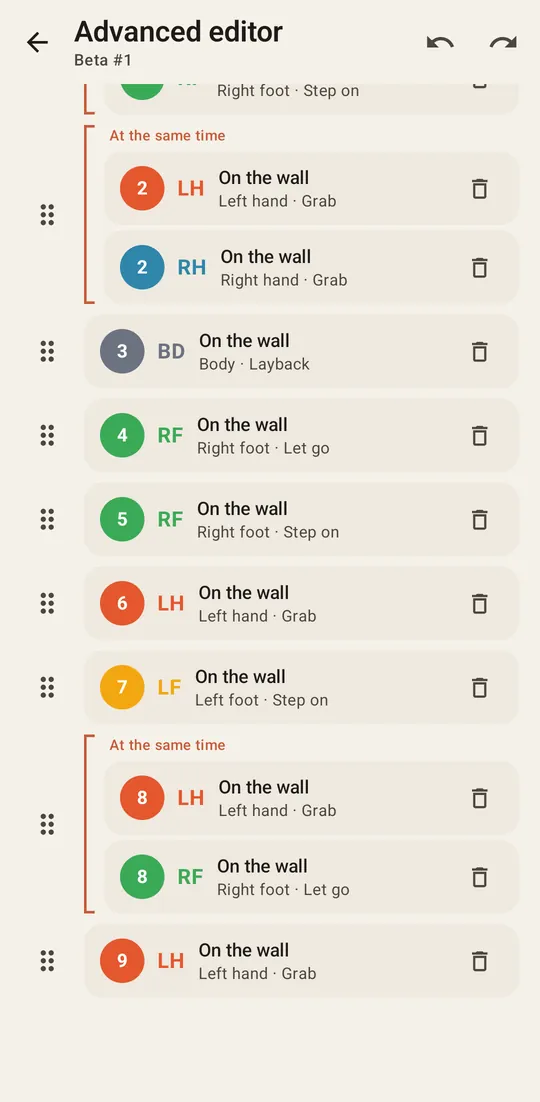
Open the advanced editor and tap the second of the two moves. Under Same time, tick Move with previous. The line below it says which move it joins. The two then sit in one bracket in the list.

Your starting position
The first hands and feet you place join into one move by themselves, which becomes your starting position. Separate it as in step 3 if you need to.
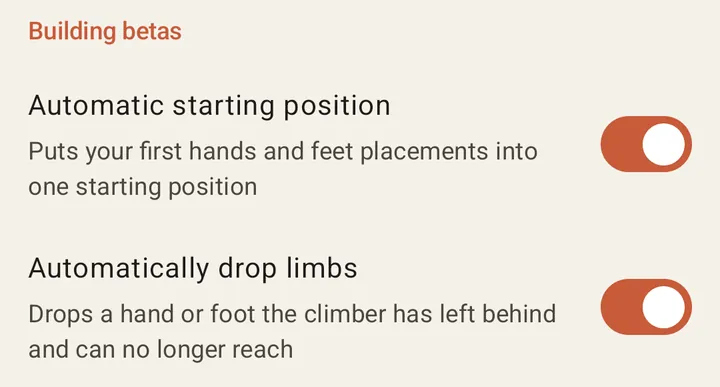
To place every limb as its own move from the start, press the gear on the climb list to open Settings, and turn off Automatic starting position under Building betas.