 Broken Crimp
Change the settings
Press the gear at the top of the climb list to open Settings.
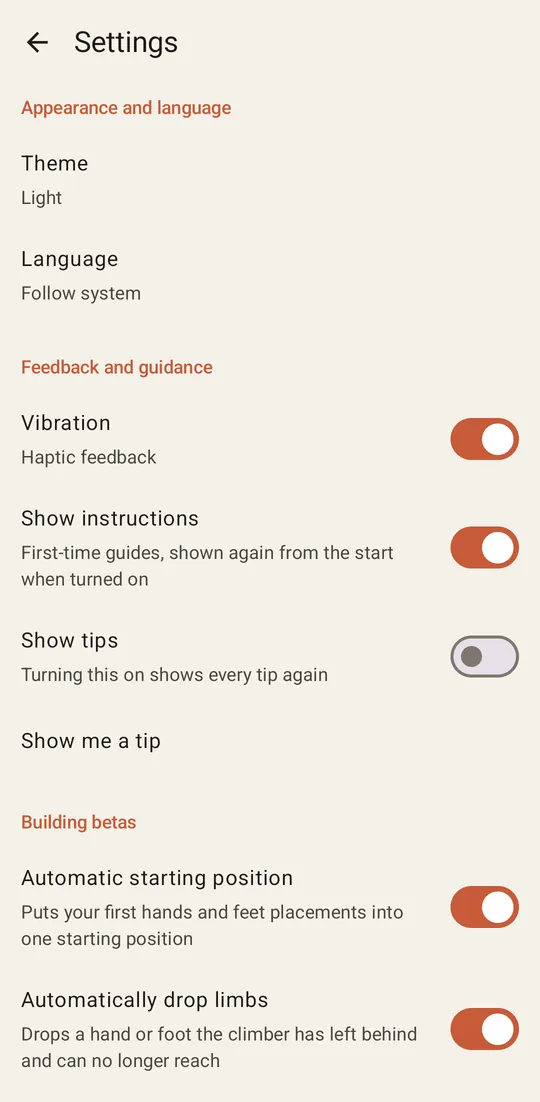
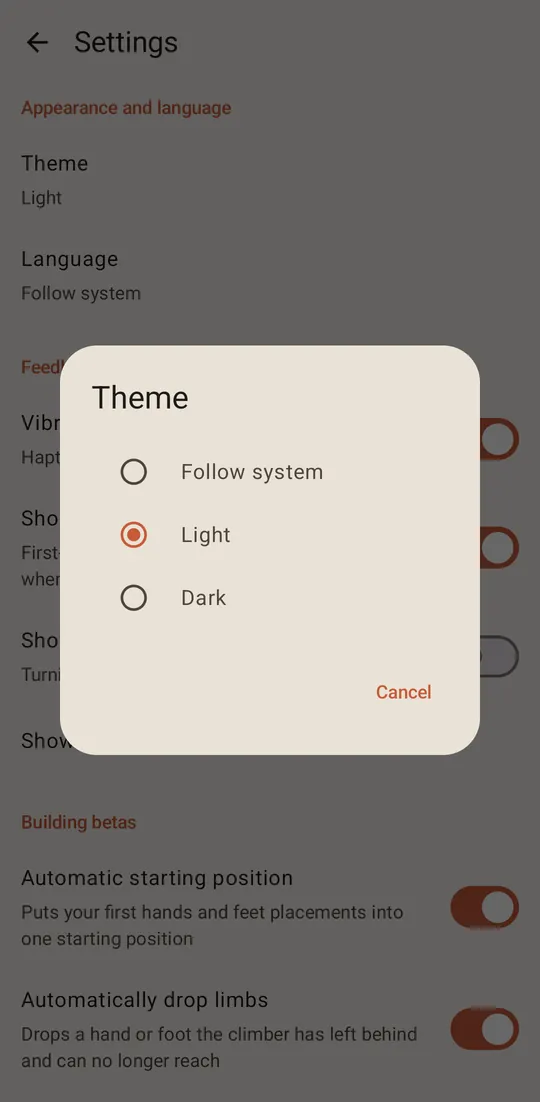
1. Appearance and language
- Theme chooses Follow system, Light or Dark. The app starts light until you pick.
- Language chooses English or Italian, or Follow system to use your device’s language. These are the only two for now, and more languages will follow.
2. Feedback and guidance
- Vibration turns on the small buzz some controls give when you use them.
- Show instructions turns the first-time guides on or off: the cards and bubbles that explain a screen the first time you meet it. Turning it back on shows them all again from the start.
- Show tips turns the tips on or off, short facts about the app that appear now and then. Turning it back on shows every tip again.
- Show me a tip shows a tip straight away. Once you have read them all, they start again.
3. Building betas
- Automatic starting position joins the first hands and feet you place on a new beta into one starting position, move 1. Turn it off to place every limb as its own move. Move several limbs at once has more.
- Automatically drop limbs lets the climber let go of a hand or foot it has left behind and can no longer reach. Turn it off and every limb stays on its hold, stretching as far as it has to. Pin a hand or foot does the same for one limb.
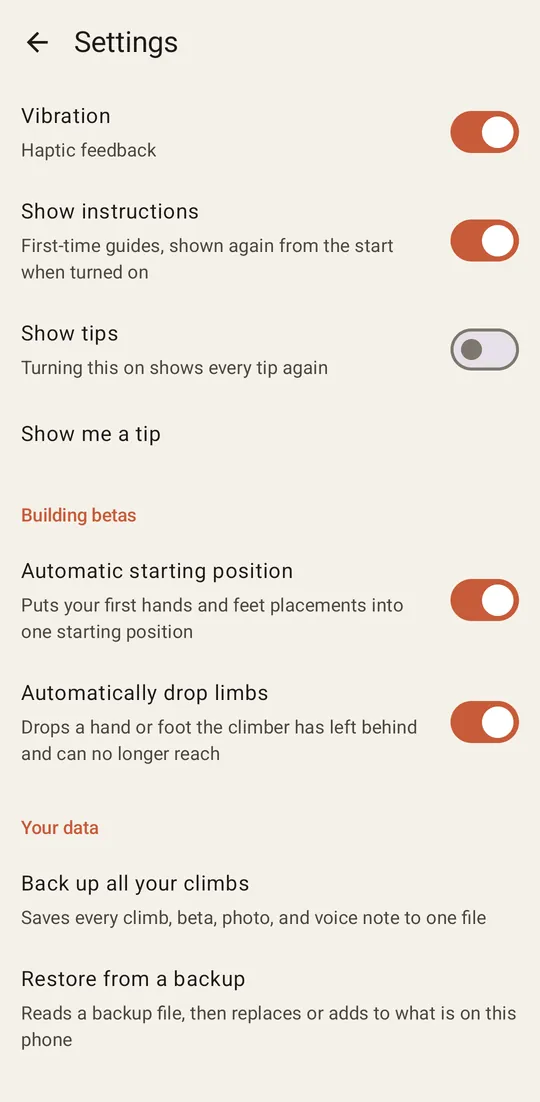
4. Your data
- Back up all your climbs saves every climb, beta, photo and voice note to one file.
- Restore from a backup reads a backup file, then replaces what you have or adds to it.
Back up and move your climbs explains both, and which kind of restore to choose.
In the Android app, Change your ad choices also appears if the app asked you about personalised ads. It needs a connection to change them.